Android
7.0 and laterInstall with F-Droid for managed updates, or choose an APK from GitHub Releases.
Get it on F-DroidDownload APK from GitHub LatentJam
A little closer to your music
The songs you love. The ones you forgot.
A music player that finds the thread between them, right on your device.
Free & open source · Android & iOS
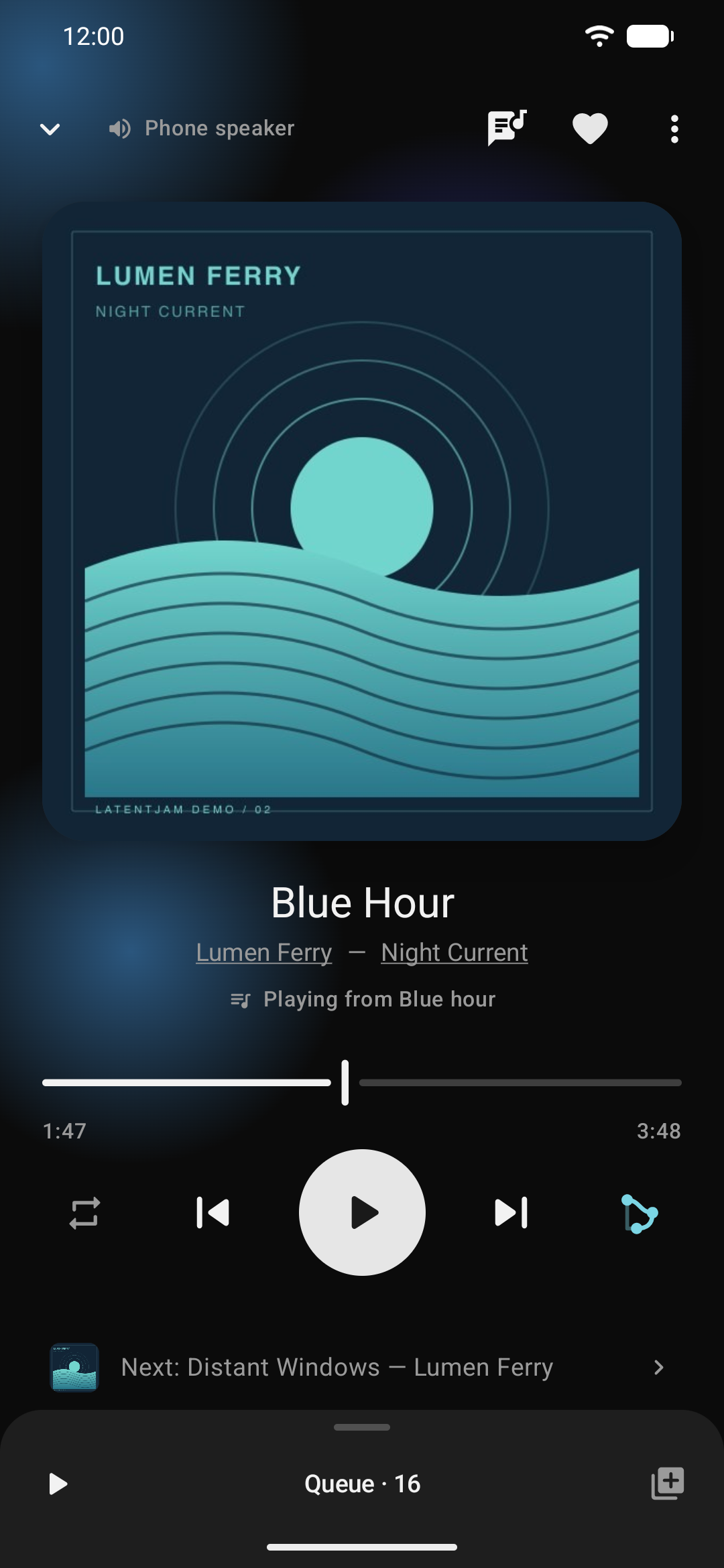
01 Your music, on your device
02 No accounts. No ads.
03 Free & open source
More than pressing play
Find a forgotten favourite. Follow a sound. Stay for the next song.
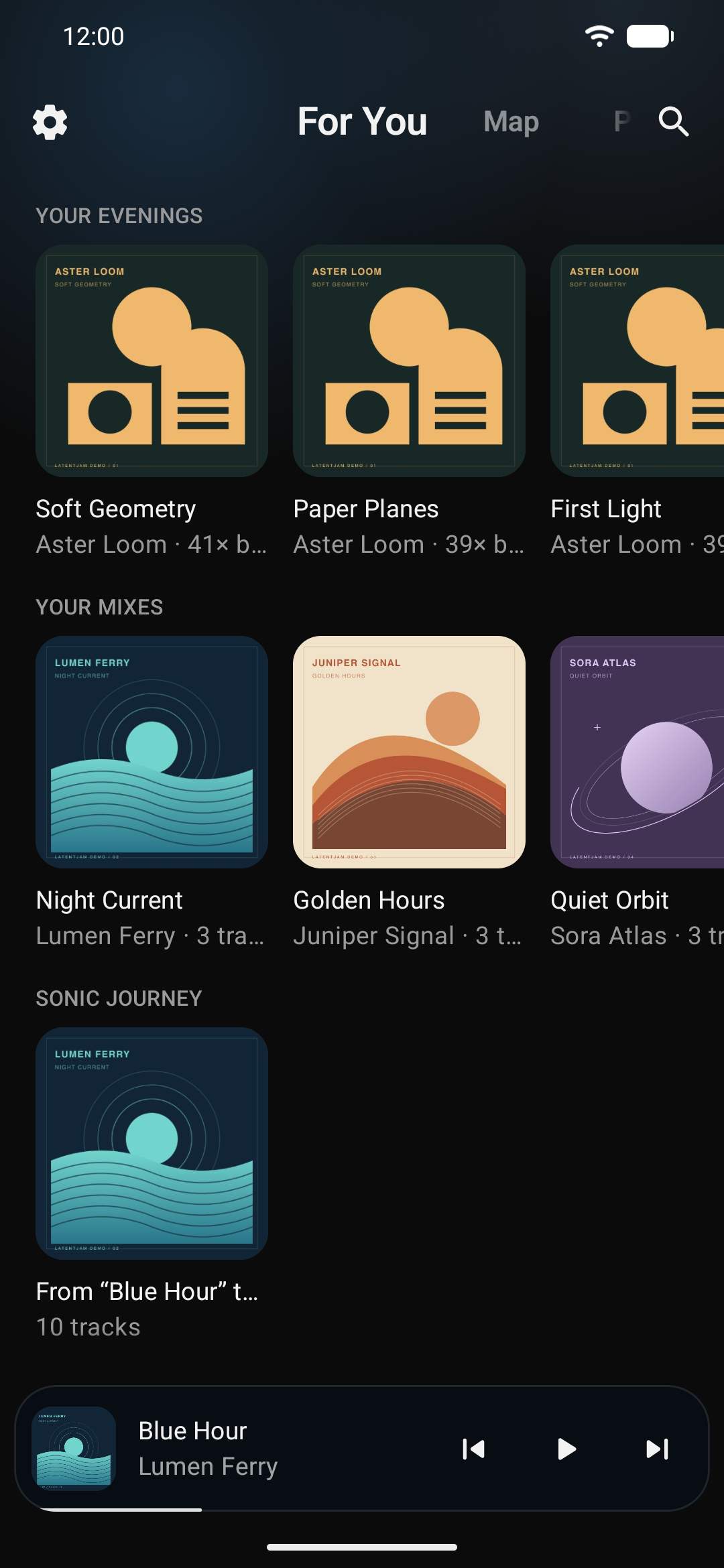
Something good you already own.
Start with a song. Follow the feeling.
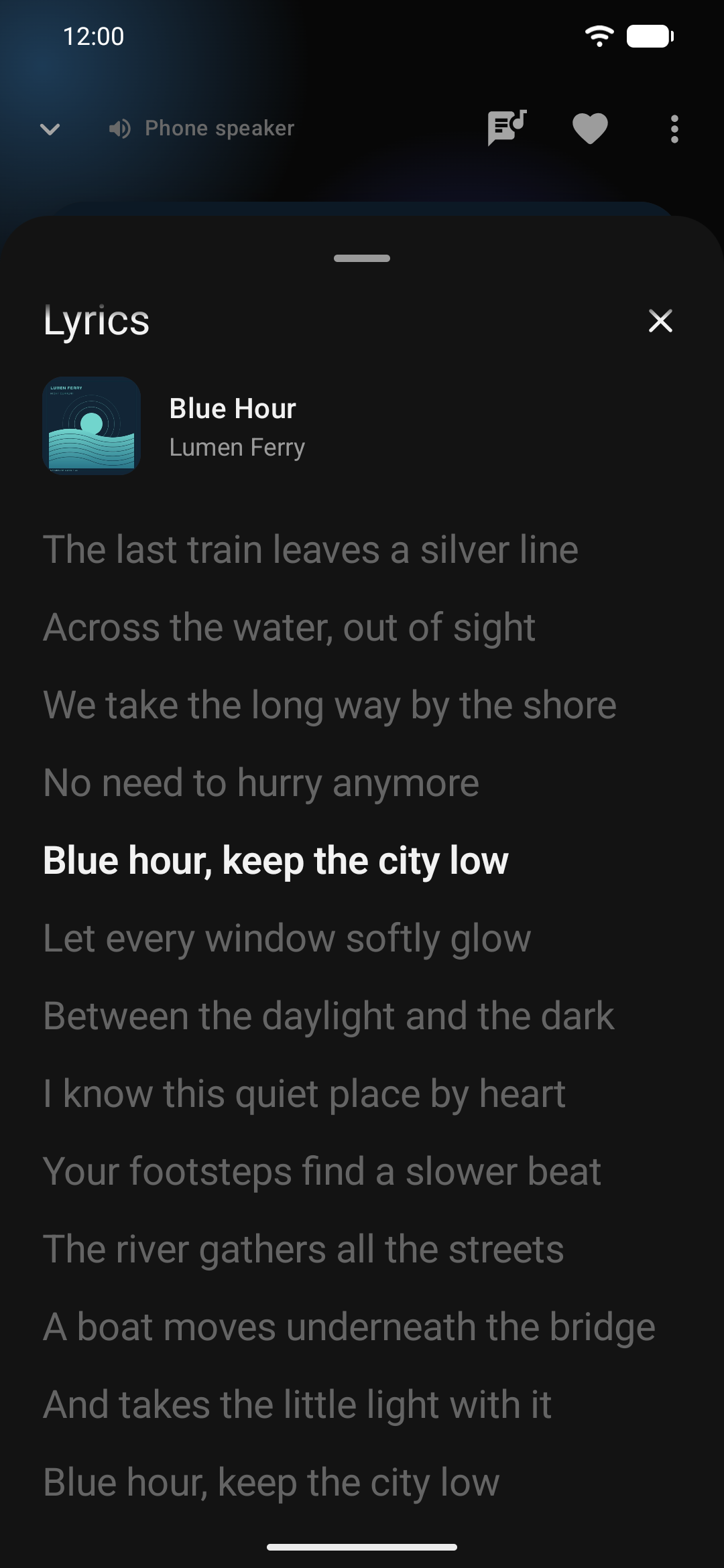
Your favourite line, right on time.
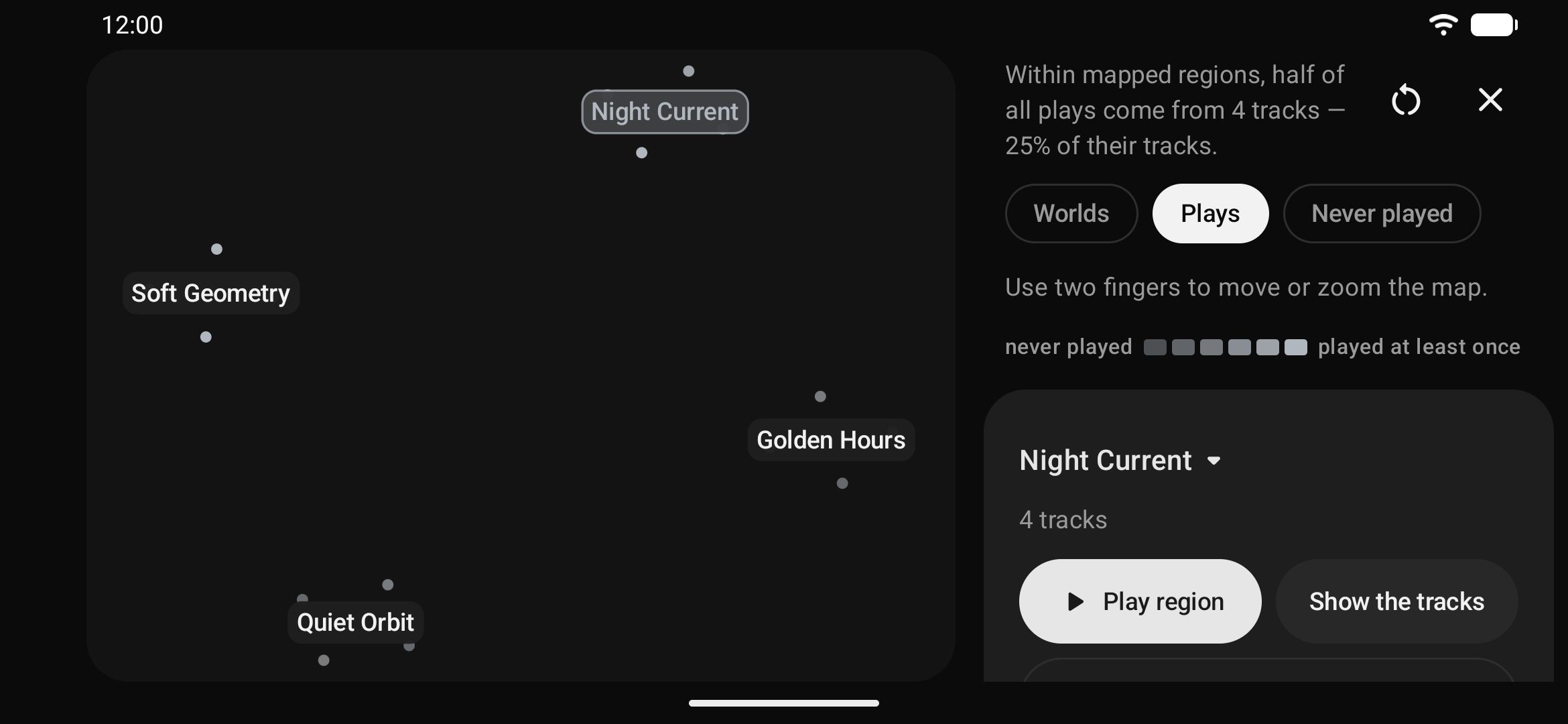
A different view of your collection.
Enable Map in Settings → Pages.
Real Android app screens, shown with a fictional demo library.
Playlists & an editable queue
Search across your collection
Private listening statistics
Made for your own collection
LatentJam listens to the sound of your tracks and reads their tags to find connections. Your files and listening history stay with you.
Add the music on your phone. Your files, your albums, your carefully collected favourites.
Small models analyse your collection in the background, on your device. The first analysis takes a little time.
Start SMART from a track you love, or let For You bring something back into rotation.
The app has no account, ads, analytics, or cloud server. Your music doesn’t need to leave your phone.
Your next listen starts here
Free, open source, and made for the music you already own.
LatentJam is experimental and actively evolving. Feedback is welcome.
No. LatentJam is free and open source under Apache 2.0. There’s no account to create and no subscription to start.
From your own collection. LatentJam plays local music files; it doesn’t provide a streaming catalogue or download songs. On iOS you can import files or use the accessible music library.
The app analyses your library in the background on first launch. SMART becomes useful as tracks finish indexing, so give the initial analysis some time. Playback of your local music is available while that work runs.
They use different signing keys and cannot update one another. First export your data in Settings → Local backup, then uninstall the old build, install the new one and restore your backup.
The code and development notes are on GitHub. You can report a bug or suggest an improvement in the issue tracker.